Adventure
Below the Oath
Arcade & Action
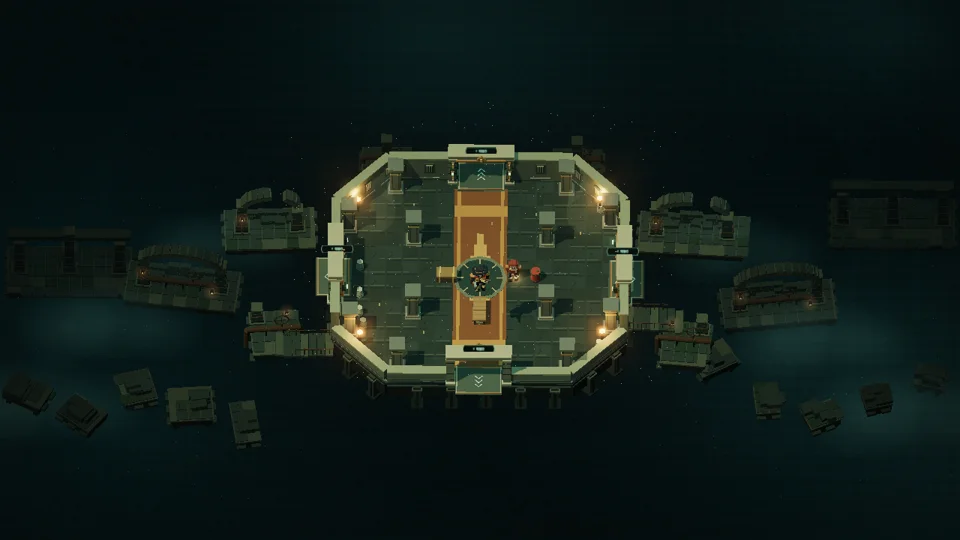
A class-based action roguelike that sends three distinct heroes into a shifting dungeon be…
Quick runsPlay
Starts here using MEST’s external game host. The host receives connection data and may use browser storage; previous Dayhop saves do not transfer automatically. Privacy Policy · Cookie Notice.
Open the game at its hostThe game has not been requested. Select “Start game” to contact the external host.
Try expanding the game area to keep the field and touch controls together. For 3D games, use an up-to-date browser with WebGL enabled and lower the in-game graphics settings if needed. Some titles recommend landscape orientation.
Reloading may discard unsaved progress. Browser site-data cleanup can delete saves; avoid it as a first step.
For an unavailable embed or blocked game storage, open the game directly in a new tab . Use Close expanded view to exit the enlarged game; keys pressed inside an external game are handled by that game.
Tip: press F11 or use the Fullscreen button after loading the game. Press Esc to leave fullscreen. Sound starts only after you interact.
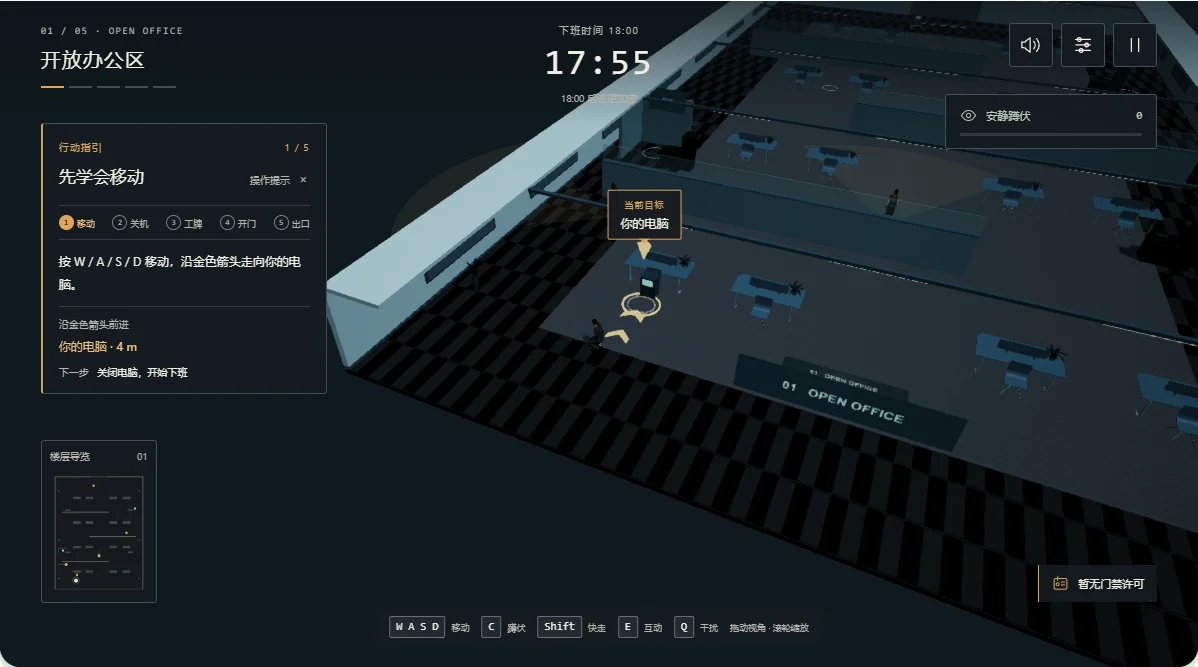
After Hours is an original MEST third-person 3D stealth game set on the twenty-seventh floor of an office building. There is no combat: your goal is to get home. Five connected areas take you through an open office, meeting-room corridor, printing area, security offices and an elevator lobby. Switch off your computer, collect passes and permissions, and unlock each route while avoiding supervisors and security patrols. Walls and tall furniture can interrupt sightlines; glass does not. Printing creates noise, while crouching, hiding and working at a desk offer different ways to reduce attention. The original game interface is Chinese, with contextual tutorial prompts. Models, textures, audio and scripts load from MEST’s external game host. The game can save checkpoint progress and settings in this browser; no account or cloud-save service is provided. The more demanding 3D scene may need lower graphics settings on a phone.
WASD or arrows move; Shift walks faster, C/Ctrl crouches, E interacts, Q distracts once, H hides. Drag to orbit; wheel zooms. Esc pauses. Touch joystick and action buttons are included. Follow the gold tutorial arrows in chapter one. Approach an objective and hold the interaction until it completes; moving cancels the interaction. Read the current objective before trying a locked door. Checkpoints preserve completed tasks when retrying.
Use ordinary difficulty for a first visit. Faster walking is noisier; crouching reduces visibility and noise. Move behind solid cover before hiding. The printer can draw a patrol away, and the one-time distraction should be saved for a difficult crossing. Use the graphics settings if frame rate drops. Start a new journey only when you are ready to replace the current checkpoint.
This original game is created by MEST and runs here from the creator's external release. Original game by MEST; designated generated assets CC0 1.0. Third-party component licenses remain applicable.